Chrome Flow Capture: Recording the Work Your Staff Repeat Every Day
A small desktop app that records how staff do one task in a company web system, so the task can be automated later.
What it records, and how staff know it is on
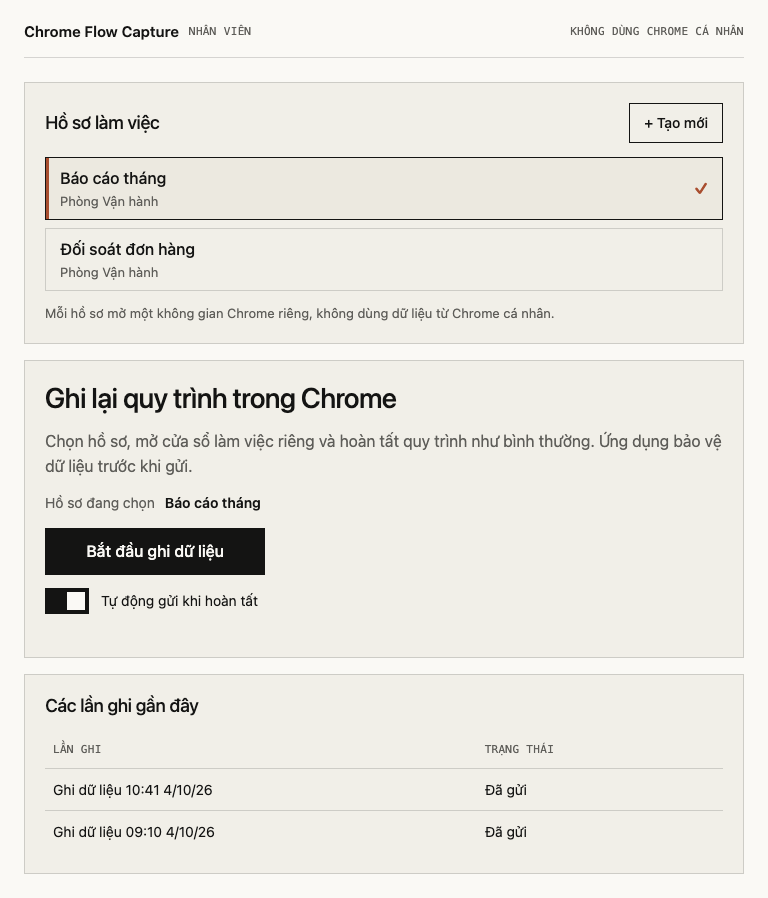
Staff work in a separate Chrome window that the app opens with its own profile, so their own Chrome, bookmarks and saved passwords stay untouched. The app saves everything that window sends to a website and gets back, on any site opened in it, login details included, and nothing is blanked out. It does not record video of the screen. Staff start and stop each recording themselves, and while it runs, the app shows a screen titled "Recording data" (in Vietnamese).
Who can open a recording
Before a recording leaves the computer, it is locked. The staff computer has the lock but not the key, and only the holder of the matching key can open the copy that is sent. By default that copy goes automatically to private online storage, and staff can switch that off. The unlocked original stays on the staff computer, so treat that machine as holding sensitive material.
From a recording to automation
A recording shows how the web system answers each step behind the scenes. Someone technical can use that to build a tool that does the same job without anyone clicking, instead of waiting for the vendor to add an integration. The app itself only records: that tool is separate work, which the vendor's terms may limit and a vendor change can break.
What setting it up involves
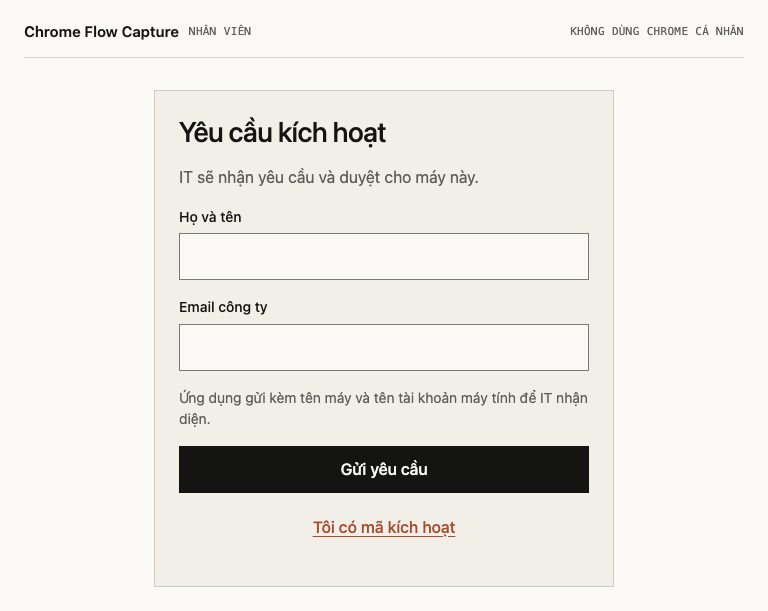
Each computer must be activated before it records, and an administrator approves each machine. The installers are not signed by Apple or Microsoft, so staff see a security warning the first time they install or open the app, and have to allow it to run. The app runs on Apple Silicon Macs (M1 or later) and 64-bit Windows 10 or 11, needs Google Chrome, and its screens are in Vietnamese, with no English version.
Use it on company accounts, and tell staff first
Record work on company accounts, and tell staff what it records, and why, before anyone starts. Keep the work window for the task being recorded and leave personal email and banking out of it. This is practical advice, not legal advice.
I built Chrome Flow Capture for work that only a few people know how to do: the same screens in the same web system, every day, and no one has written the steps down. Recording one real session shows how the work is actually done, which is where automating it starts.
If your team repeats work like this and you would like to talk it over, email me at hello@innostack.work and tell me which web system it happens in.